
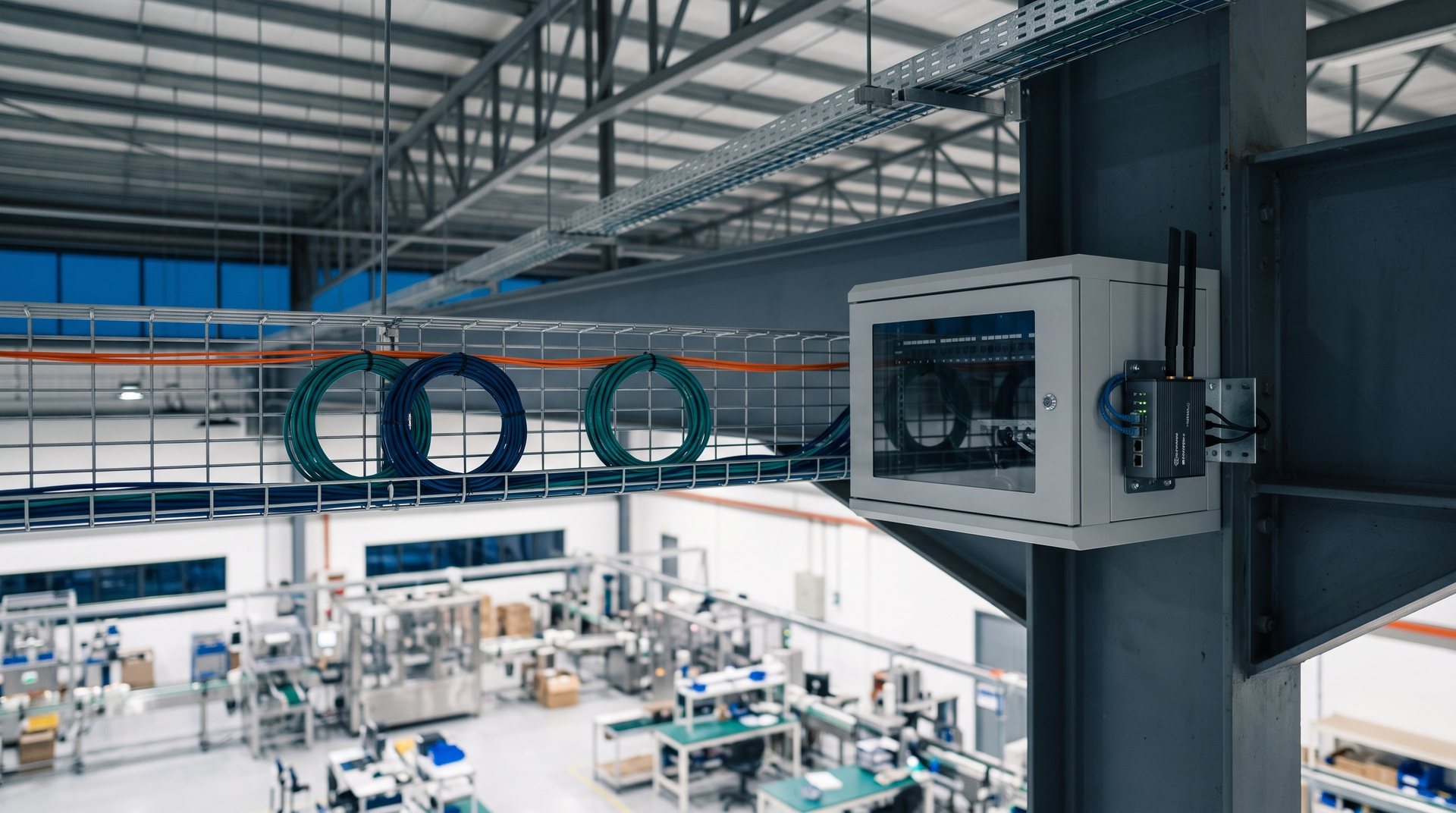
A plant network lets controllers, drives, screens and instruments talk to each other, and lets you reach the plant from outside. You give us the specification and the application. We design the network and propose the devices, then set it up and commission it.
WHAT WE SUPPLY
Four jobs a plant network does.
Basic network
Join machines on one network
Plug-and-play switches link a few controllers, drives and screens in a machine or a panel.
Unmanaged switches Siemens
Basic industrial Ethernet switches with nothing to set up. Status LEDs show whether each link is working.
Unmanaged switches Moxa
Compact metal-housed switches that fit in a small panel.
PROFINET and ring
Keep the network running
A ring of managed switches keeps working if one cable breaks, and the PLC can see the state of the network.
Managed switches for an MRP ring | Siemens
Link the machines in a ring. If a cable breaks, traffic goes the other way round, so the plant keeps running. We set up and test the ring.
Smart switches | Moxa
Simple to set up with a rotary switch or a web page. They appear to the PLC as a PROFINET device, so it can see their status.
Cloud and remote access
Reach the plant from outside
Routers and gateways connect a machine to the internet over the 4G mobile network, for remote access, monitoring and the cloud.
Industrial 4G routers | Teltonika
Connect a machine or panel to the 4G network, with a backup connection if the main one drops.
4G gateway | Teltonika
A compact unit that links a wired Ethernet device, such as a controller, to the 4G network.
Serial devices
Bring older devices onto Ethernet
Many meters, drives and instruments still talk over serial lines. These units connect them to the network.
Modbus gateways | Moxa
Convert between Modbus TCP on Ethernet and Modbus RTU or ASCII on a serial line, so a PLC or SCADA can read the serial device.
Serial-to-Ethernet devices | Moxa
Put a serial device on the network. Software that expects a COM port can keep using it over Ethernet.
These are items we have supplied before. We propose the brand that fits the specification and the budget, and we also work with the brands a client already uses.
TECHNICAL SCOPE
How the devices fit into the network.
Basic network
Unmanaged switches need no configuration. They suit small star and line networks, such as the Moxa EDS-2005 series with 5 ports at 10/100 Mbit/s.
PROFINET and ring
A managed switch such as the Siemens SCALANCE XC208 can form an MRP ring and report into PROFINET diagnostics. Moxa SDS-3000 smart switches act as PROFINET IO devices and also support MRP and RSTP.
Cloud and remote access
Teltonika RUT200 and RUT956 routers and the TRB140 gateway connect over 4G LTE Cat 4. The RUT956 adds dual SIM failover, RS232 and RS485 serial ports, GNSS and digital I/O. They can be managed remotely through Teltonika RMS.
Serial devices
Moxa MGate gateways convert between Modbus TCP and Modbus RTU or ASCII. Moxa NPort device servers add Real COM, TCP and UDP modes for serial devices.
Integration
The switches, routers and gateways are installed in the panel, set up and tested with the controllers, and shown on the HMI or SCADA screens where the project needs it.
HOW WE WORK WITH IT
We engineer it, set it up and commission it.
01
Engineer
You give us the specification and the application: which machines must talk to each other, whether the network must keep running if a cable fails, and whether anything must be reached from outside. We design the network and propose the devices that fit the job and the budget.
02
Set up
We install the devices, set their addresses and settings, and build the ring or the remote connection.
03
Commission
We test the network end to end and, where there is a ring, check that it recovers when a cable is unplugged. We commission it with you, so it arrives working.
SCALANCE is a trademark of Siemens AG. PROFINET is a trademark of PROFIBUS & PROFINET International. Moxa, MGate and NPort are trademarks of Moxa Inc. Teltonika is a trademark of the Teltonika group. The names are used here only to identify the equipment.
RELATED
Related services and products.
PLC and remote I/O
The controllers that command these drives
Industry control systems
Writting the programme and upgrading old controllers in stages.
PLC control panels and field works
Building the panel, wiring the devices and installing them on site.
Products
HMI and SCADA, Instrument and networking
Tell us what must be connected.
Send us the machines or devices, whether the network must keep running if a cable fails, and whether anything must be reached from outside. We will design and propose the network that suits it.